← BlogArticles
Equipment Utilization Tracking: Engine Hours, Idle Time, and Damage Across a Rental Fleet
TJ Chasteen
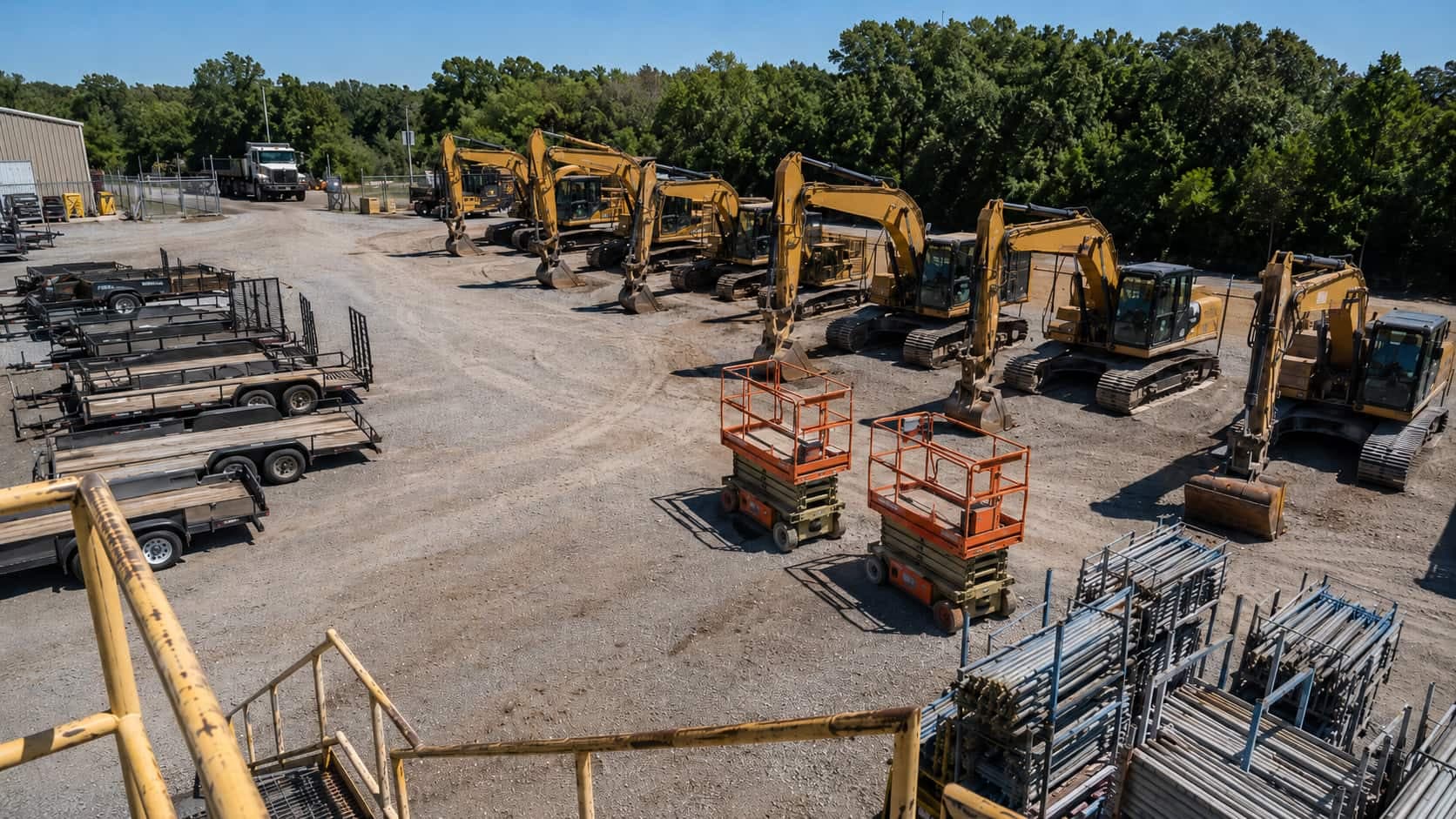
Equipment utilization tracking measures how much of each unit's available time actually earns, and on a rental fleet it comes down to three signals: engine hours (was the machine working), idle time (working, or just running), and damage and abuse events (what the rental cost you on the way back). The hard part isn't the math — it's capturing all three consistently across a yard where some units have factory telematics, some are twenty years old, and some have no engine at all.
Most operators already know what good looks like — our utilization benchmarks guide covers target ranges by equipment class. This is the other half: getting numbers you'd stake a repricing decision on.
Key Takeaways
- Utilization needs three signals, not one: engine hours, idle time, and damage/abuse events. Time-on-rent tells you nothing about whether the unit was used.
- Every rental fleet is three fleets at once — OEM-connected iron, older equipment with no data port, and non-powered assets. Each needs a different capture method; mixing them silently breaks the average.
- "Idle" means three different things (engine idle, on-rent idle, yard idle). Reporting them as one number is the most common measurement error in rental.
- Machines that already have factory telematics come in at $4/month per asset via OEM data integration — no hardware, no install.
- Coverage runs $10/month for non-powered assets, $13/month for equipment tracking with utilization and $18/month for engine-data telematics — per asset, not per yard.
The three signals utilization depends on
A unit on rent for 30 days is not a unit that worked for 30 days. It might have run 12 hours, or 300 and come back with a cracked boom weldment. Time-on-rent is a billing fact; utilization is an operating fact.
Definition: Engine Hours
Cumulative time a machine's engine has run, from an hour meter or a telematics feed. It's the industry's closest proxy for wear, service intervals and residual value — and unlike time-on-rent, it can't be inflated by a unit sitting untouched on a jobsite.
Engine hours tell you whether the machine worked; idle time, whether that work was productive; damage events, what the rental cost you. Track all three and you can answer what a rental house needs answered — which units to reprice, which to redeploy, which to cycle out, and which customers to have a conversation with.
How to capture each signal by asset class
Most rental yards get stuck here. A yard of 400 units spans three different capture problems, and a platform that solves one leaves gaps you'll paper over with estimates.
| Asset class | How you get engine hours | What you can measure |
|---|---|---|
| Late-model iron with factory telematics (Cat, Deere, Komatsu, JLG) | OEM data feed via AEMP / ISO 15143-3 — no hardware to install | Engine hours, location, fuel, idle vs. working, fault codes |
| Older powered equipment, without factory telematics | Wired telematics device reading engine data directly | Engine hours, run/idle state, location, movement |
| Powered equipment with no accessible engine data | Run-detection via vibration and power sensing | Run hours (approximate), location, movement, impacts |
| Non-powered — trailers, attachments, scaffolding, containers | No engine to read; battery-powered asset tracker | Days on rent vs. in yard, movement, dwell, impact events |
Definition: AEMP / ISO 15143-3
The telematics standard that lets equipment from different manufacturers report in a common format. Instead of a portal per brand, a yard running Cat, Deere, Komatsu and JLG pulls hours, location and fuel through one feed.
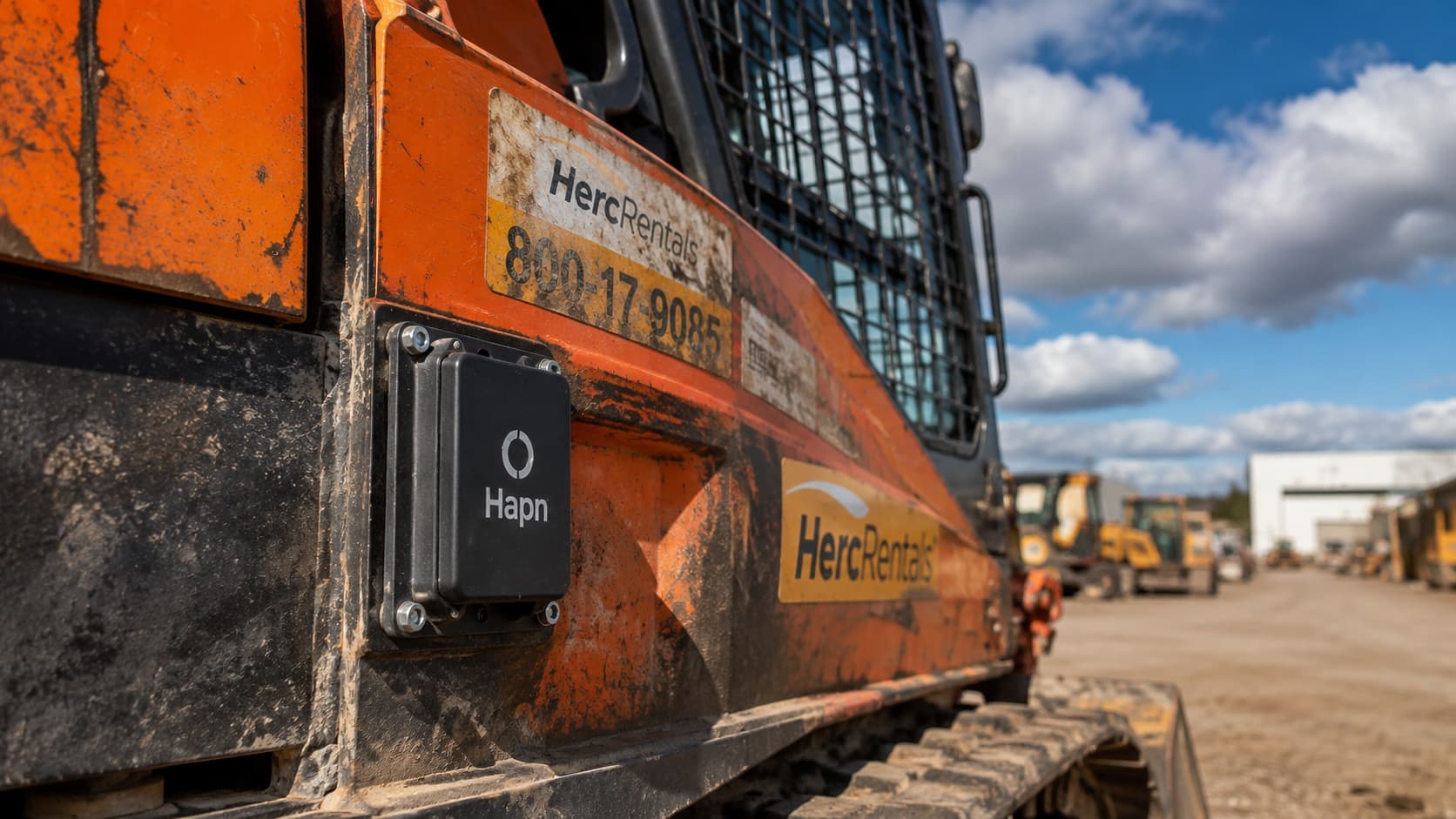
Machines with factory telematics don't need another box — Hapn's OEM data integration brings them onto the same dashboard for $4/month per asset, nothing to install. Everything else gets hardware: equipment tracking for powered units, asset tracking for trailers and attachments. All four rows land in the same report, so your fleet-wide number isn't built from the units that were easy to instrument.
How much of your fleet can you actually measure today?
Send your unit count and equipment mix — we'll quote per-asset coverage across OEM-connected, older and non-powered assets.
Get Hapn pricing →Engine hours: three ways to get them, and which one to trust
Rental operations collect engine hours three ways, and they don't agree. The manual meter read at check-in and check-out is accurate the moment it's taken and worthless in between — and it depends on a yard hand writing a number on a ticket at 6 a.m., the data that goes missing on busy weeks.
The OEM feed is the most authoritative source where it exists, because it's the machine's own meter — the number the manufacturer's service schedule and the resale market recognize. The telematics device covers everything the OEM feed doesn't; on run-detection hardware it reports run time rather than the internal meter, so the two drift apart over a season.
Pick one as the system of record per unit and note which method it uses. Yards that mix meter reads and device run-time in one average end up with a number nobody trusts enough to act on. Once hours are reliable they also drive service: servicing on hours instead of the calendar is the fastest payback from the same feed.
Idle time: the metric most rental yards measure wrong
"Idle" is used for three unrelated things, and reporting them as one number is the most common measurement error in rental.
Engine idle is the machine running but not working — burning fuel and clocking service hours while nothing moves. On-rent idle is the unit parked at a customer site with the engine off: you're paid, but the customer isn't getting value, which drives an early off-rent call and a shorter next rental. Yard idle is the unit sitting on your own lot earning nothing — the one that shows up in your utilization rate.
All three are actionable, but they point at different actions: engine idle is an operator-behavior conversation, on-rent idle a customer-success signal, yard idle a fleet-mix decision. Hapn's idling time report surfaces the first daily; the utilization report handles the third.
Damage and abuse: the utilization cost nobody reports
A unit that runs 200 hours and comes back straight is a good rental. One that comes back with a bent cylinder rod is a bad one, and most rental systems record both identically — damage surfaces as a shop work order weeks later, disconnected from the rental that caused it.
Impact and abuse detection closes that loop. Trackers that log high-G events give you a timestamp and location for the moment something happened — on the customer's jobsite, in transit, or in your yard. That's the difference between a chargeback you can substantiate and one you write off, and for units rented into heavy civil work it's the same data layer as construction equipment tracking. The same trail settles metered-rental disputes: billing hour overages only works if the hours are defensible.
Data-quality pitfalls that quietly break the numbers
Four failure modes account for most utilization reports that don't survive scrutiny:
Meter resets and replacements. A replaced ECU or rebuilt meter restarts the count. Without a recorded offset, that unit's lifetime hours drop overnight and utilization looks like it fell off a cliff.
Reporting-interval mismatch. An OEM feed updating daily and a device reporting every few minutes disagree on any window shorter than the slowest feed. Compare units on the same period, or don't compare them.
Off-rent status lag. A unit physically back in the yard but still open on the contract counts as utilized. Position data fixes this — the map knows it came home before the paperwork does.
Extrapolating from the tracked subset. If only the newest 40% of the fleet reports, you're measuring your newest 40% — which is also your busiest. That bias flatters the number, and it's the argument for coverage across every asset class on one platform rather than a portal per brand.
What it costs to measure a rental fleet
Hapn pricing is per asset, per month: $10 for non-powered asset and vehicle tracking, $13 for equipment tracking with utilization, $18 for equipment telematics with engine data, and $4 for OEM data integration on machines that already have factory telematics. Two commercial models: a 3-year agreement with all hardware and install kits included at no upfront cost, or a 1-year agreement with hardware purchased at cost.
The structural point for multi-branch operators: this is priced per asset, not per site, where Quipli, Point of Rental, Renterra and most rental software bill per yard. Opening a fifth branch doesn't multiply the bill, and a unit that transfers between yards keeps its history. Hapn's Quipli integration and open API push the numbers back into the system you already run. It's the model that lets operations like C3 Rentals keep visibility on a distributed installed base without per-location fees, and that makes multi-yard equipment tracking workable at all.
Start with the gap you can measure
Don't instrument everything at once. Find the class you have no data on — usually the older iron or the non-powered fleet — and close that gap first, because that's where the extrapolation bias lives. Then set a utilization threshold and a non-utilized-day window and let the system surface the units below it. The rental operators who get this right aren't the ones with the most dashboards. They're the ones whose numbers cover the whole yard.
About the author: Written by the Hapn team. Hapn provides GPS, telematics and BLE asset tracking for equipment rental businesses, multi-yard dealers and equipment financing companies across North America.
Frequently Asked Questions
How do you track equipment utilization across a rental fleet?
Capture three signals on every unit: engine hours, idle time, and damage or impact events. Machines with factory telematics report through the AEMP / ISO 15143-3 standard with no hardware needed; older equipment uses a wired telematics device; non-powered assets use battery-powered trackers measuring days on rent versus days in the yard. Bring all of them into one dashboard so the fleet-wide number covers the whole yard.
Can you track utilization on older equipment without factory telematics?
Yes. A wired telematics device reads engine data directly on most older powered equipment, giving you engine hours, run and idle state, and location. Where engine data isn't accessible, run-detection hardware infers run time from vibration and power sensing — approximate on absolute hours, but reliable for comparing which units work and which sit.
What is the difference between idle time and low utilization?
Idle time means the machine is running but not working, or sitting with the engine off while still on rent. Low utilization means the unit isn't earning at all, typically sitting in your yard between rentals. Idle is an operator-behavior or customer-success conversation; low utilization is a fleet-mix decision about repricing, redeploying, or selling.
How do you track utilization on trailers and attachments?
Non-powered assets have no engine to meter, so utilization is measured in time rather than hours: days on rent versus days in the yard, plus movement and dwell data from a battery-powered asset tracker. That gives you a turn rate per unit — the right utilization metric for trailers, attachments, scaffolding and containers.
Does Hapn charge per yard or per asset for utilization tracking?
Per asset. Tracking starts at $10 per month for non-powered assets, $13 for equipment tracking with utilization, $18 for engine-data telematics, and $4 for OEM data integration on machines with factory telematics. Because pricing is per asset rather than per site, opening another branch doesn't multiply the bill — unlike most rental software, which charges per yard.
How often should a rental fleet review utilization data?
Review idle and exception data daily at the branch level, because it's actionable that week. Utilization by unit and by class is a monthly review — rental cycles are long enough that shorter windows are mostly noise. Buy, sell and redeploy decisions are best made on a rolling quarter.
Every unit, every yard, one utilization number.
Per-asset pricing from $10/month, $4/month for OEM-connected machines, hardware included on 3-year agreements.
Get Hapn pricing →Last Updated: July 24, 2026
Explore Hapn on a live equipment fleet
Click around the real platform — a live mixed fleet with dummy data. No sales call, takes a few minutes.
Get the latest news straight to your inbox.
Share Article
