← BlogProduct Releases
Product Update — October 2026: Time Machine on the Live Map & Custom Spotlight Durations
TJ Chasteen
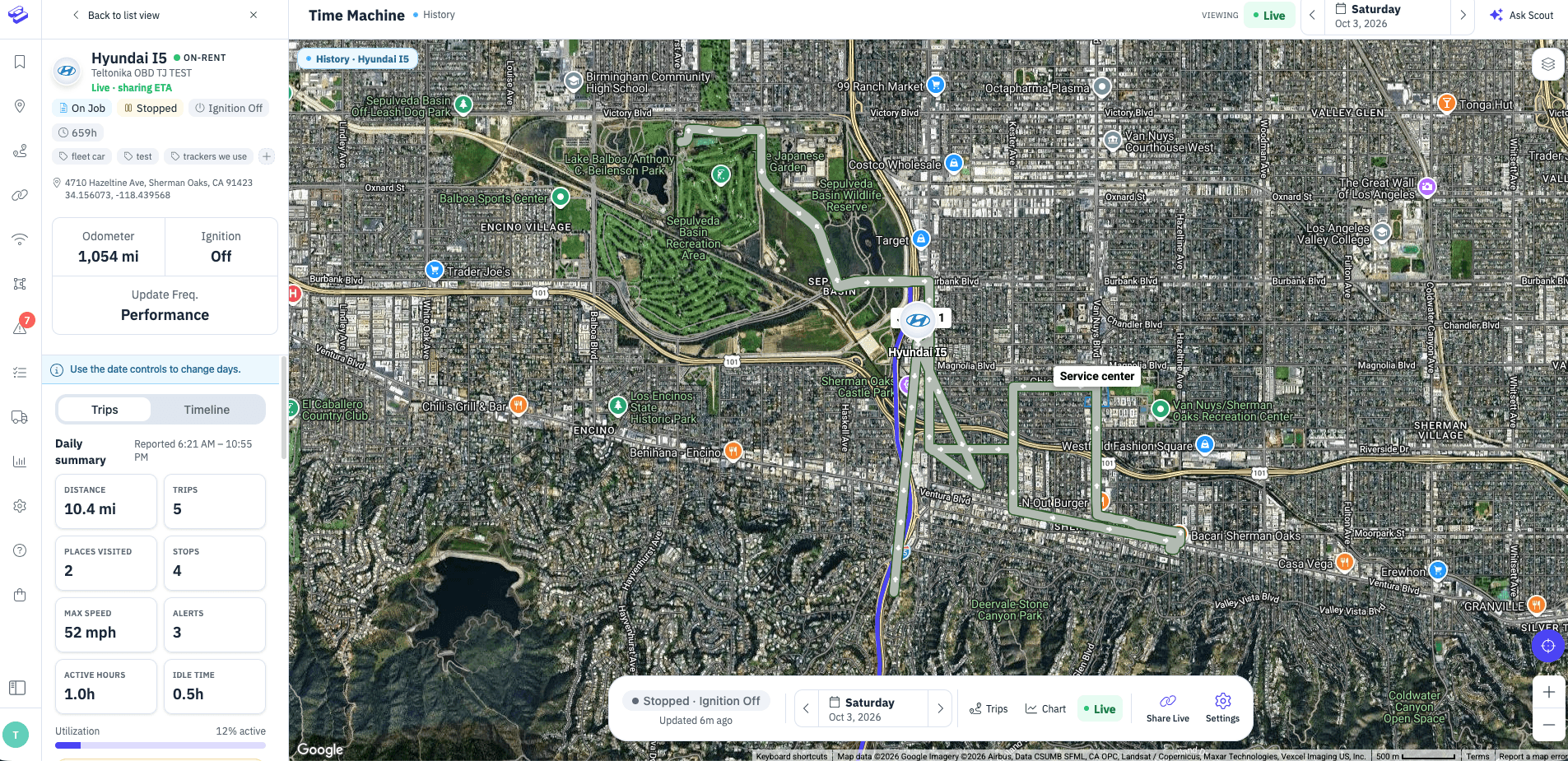
This month's updates are about getting answers faster: seeing where your assets have been without leaving the map you already use, and watching an asset for exactly as long as you need to.
Time Machine, now on the main Live Map
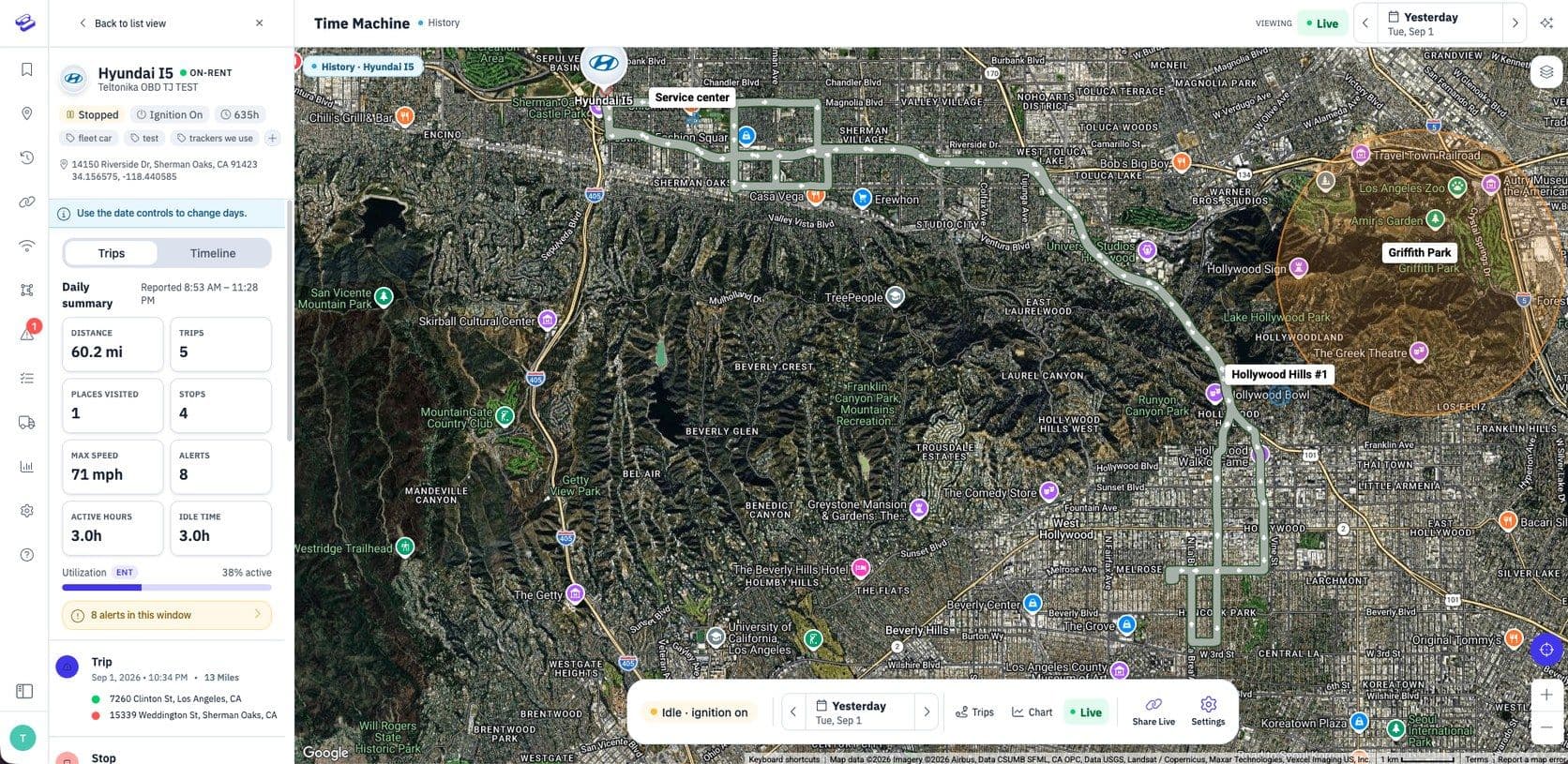
Tracker history used to live in a separate Time Machine view, which meant extra clicks every time you wanted to look back at where an asset had been. Now that history is built right into the main Live Map, so you can move from “where is it now?” to “where has it been?” without switching screens.
If most of your day is spent on the main map, this puts historical tracking where you already are, making it much easier to review a route, check a stop, or answer a customer question on the spot.
Custom durations for Spotlight
Spotlight lets you keep a closer eye on an asset for a set period of time. Until now you were limited to preset durations. With custom durations, you choose exactly how long Spotlight should run, whether that's an hour for a quick check or longer for a job that takes all day.
It's a small change that gives you more control, especially for trackers that report on different schedules.
Have an idea or a workflow we should make easier? We'd love to hear it — get in touch with the Hapn team →
Explore Hapn on a live equipment fleet
Click around the real platform — a live mixed fleet with dummy data. No sales call, takes a few minutes.
Volume discounts • No 3-year contracts • Quote in ~24 hours


Get the latest news straight to your inbox.
Share Article
