← BlogProduct Releases
Product Update — August 2026: Deeper Reports, Smarter Alerts & Richer Asset Profiles
TJ Chasteen

Welcome to the latest round of Hapn updates. This one is all about giving you more of the context you already needed — in your reports, on your asset profiles, and in the alerts that land in your inbox. Here's what's new.
More context in the Tracker Status & Health Report
The Tracker Status & Health Report now carries two new columns: Active Hours and Odometer. Active Hours tells you how much each asset has actually been running, and Odometer gives you the current mileage reading for vehicle and OBD trackers — both right alongside the health and connectivity information you already check.
The practical upshot: you can spot the equipment that's working hardest, the equipment that's barely moving, and the vehicles approaching a service interval, without pulling a second report or opening each asset one at a time.
Jump from a speeding event straight to the map
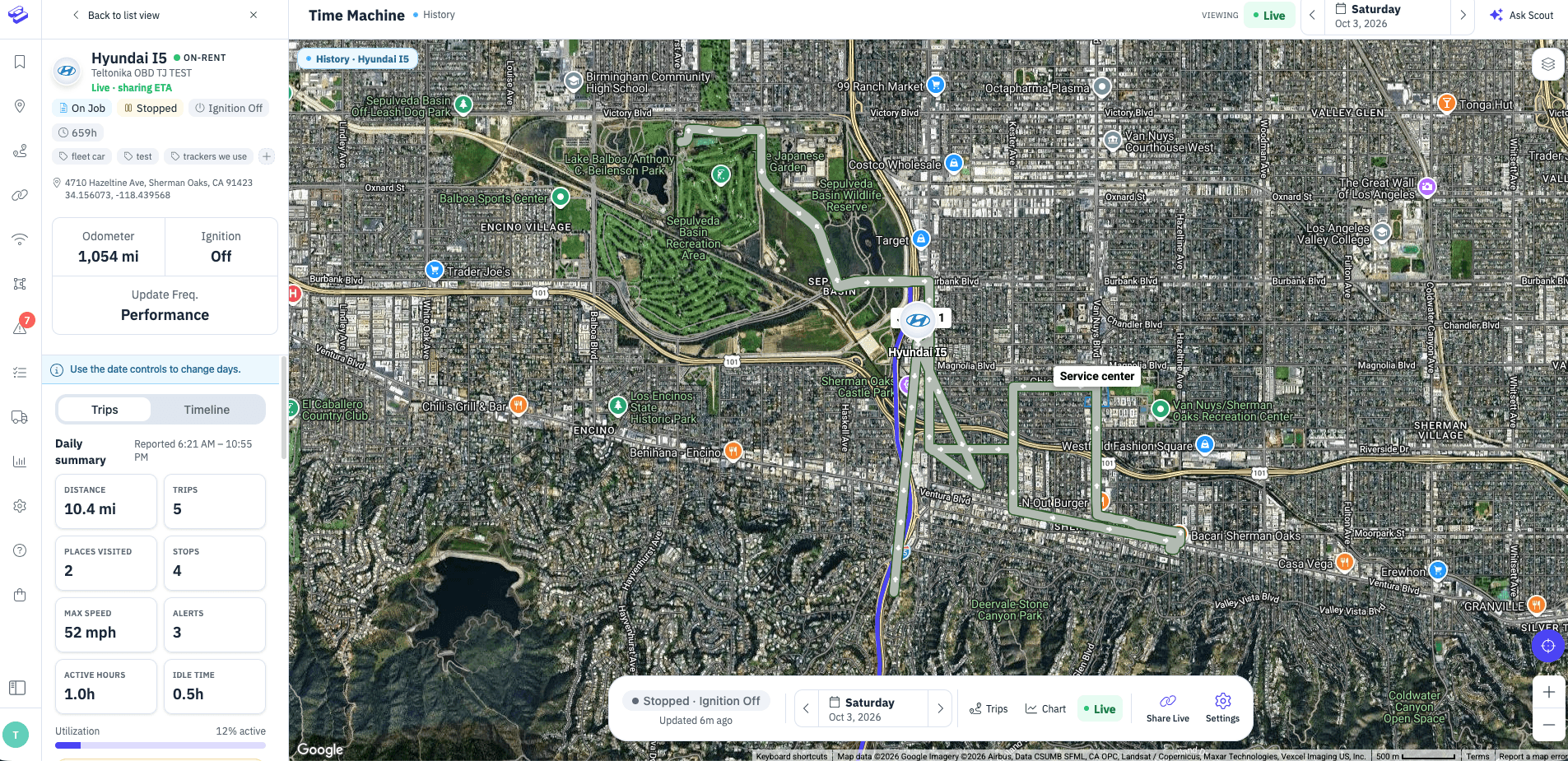
Seeing that a vehicle sped is useful. Seeing where and what was happening around it is what actually lets you act. Every event in the Speeding Report is now a link — click it and you land on that exact moment in the map's history view, with the route, the surrounding stops, and the trip already in place.
No more copying a timestamp, switching tabs, and hunting for the right window. Report → event → the full picture, in one click.
A deeper Asset Profile
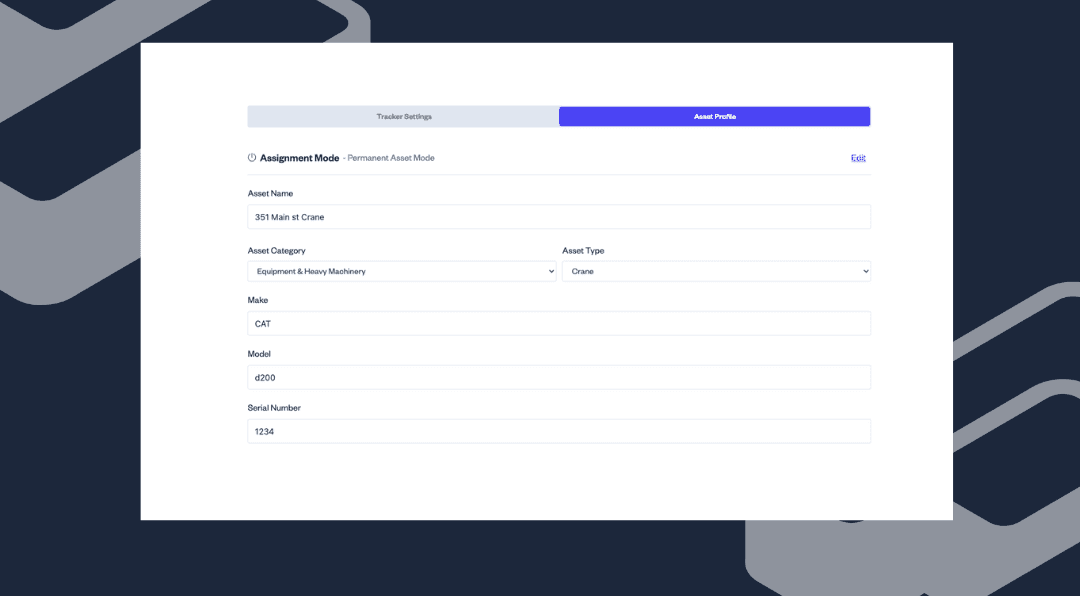
We've expanded the asset profile panel with additional tabs, so a single asset's full story — its details, its activity, and its settings — lives in one place instead of being scattered across the app. It's a straightforward change that saves a surprising number of clicks once you're managing more than a handful of assets.
Per-asset starting values for maintenance schedules
Maintenance schedules used to assume every asset started from zero. That's rarely true — you add a tracker to a machine that already has thousands of hours or miles on it. You can now set a starting value per asset, so a schedule counts from where the equipment actually is rather than from the day the tracker came online.
The result is service reminders that reflect reality on day one, with no manual math to reconcile them.
Job and boundary alerts that carry the details
If you're tracking shipments or jobs, boundary alert emails now include the job's key reference information alongside the location event itself. The alert arrives already carrying the context you'd otherwise go look up — destination and reference numbers included — so you can decide what to do straight from the notification.
See and export the devices in your OEM integrations
For accounts pulling devices in through an OEM provider integration, the configuration screen used to show only a count. Now you get the full list of devices behind that integration, the ability to export it to CSV, sorting by date added, and map filtering by integration.
If you're reconciling what your OEM provider says it sent against what's actually in Hapn, this turns a support conversation into a two-minute check you can do yourself.
Try Hapn live, right from our website
We've added a live demo account to the Hapn website. It's the real product with real data — not a slideshow or a scripted tour — so anyone curious about Hapn can click through the map, the reports, and the asset views before ever talking to us. If you've been meaning to show a colleague what you're working in all day, this is the easiest way to do it.
As always, these updates come straight out of conversations with customers. If something here doesn't work the way you expected, or there's a gap you keep running into, we want to hear about it — get in touch with our team and tell us what you need.
Explore Hapn on a live equipment fleet
Click around the real platform — a live mixed fleet with dummy data. No sales call, takes a few minutes.
Volume discounts • No 3-year contracts • Quote in ~24 hours
Get the latest news straight to your inbox.
Share Article
