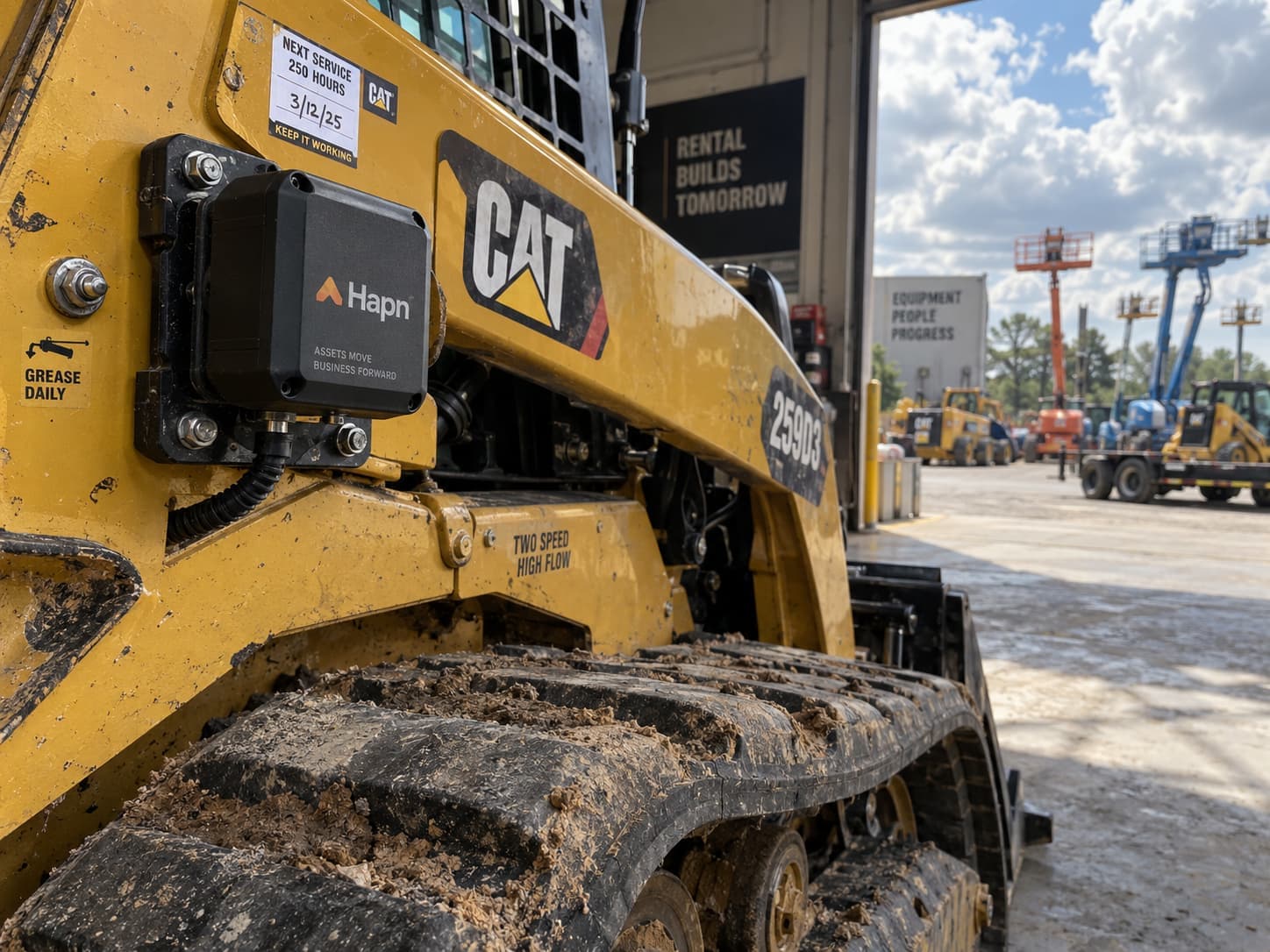
Equipment maintenance software tracks what service each machine needs, when it is due, who is doing it and what it cost. For a rental fleet, the version that works triggers preventive maintenance from engine hours the machine reports itself, not from a calendar or a meter reading someone remembers to type in, because a unit on rent can run a full shift every day without ever passing through your shop. This guide covers what equipment maintenance software should do, the features that matter for rental and dealer fleets, and why the most useful preventive maintenance software sits on top of your tracking data. One disclosure: Hapn makes tracking software with maintenance built in, and we say where your rental system already covers the job.
Key Takeaways
- A machine on a standard monthly rental runs about 176 hours a month (the industry time basis, per EquipmentWatch). At that pace a 250-hour service interval comes due every 6 to 7 weeks, often while the unit is still on a customer's site.
- Good maintenance software triggers service on 3 measures: date, odometer and engine hours. For one-off jobs it should let you set more than one and fire on whichever comes first.
- The hours have to come from the machine. A schedule that depends on someone typing in meter readings drifts the first busy week.
- Hapn includes maintenance with tracking: work orders, recurring schedules by hours, miles or date, reminders and past-due alerts, with tracking from $10, $13 or $18 per asset per month.
- One schedule should cover a whole category. An "every 250 engine hours" rule applied to 40 skid steers is 1 rule, not 40.
What equipment maintenance software does
Strip away the feature lists and maintenance software does five jobs. It keeps a schedule of recurring service for each asset. It turns that schedule into work orders when service comes due. It routes each work order to whoever does the work, inside your shop or outside it. It records what was done and what it cost. And it shows, at a glance, what is overdue, what is due soon and what is waiting on parts.
The difference between tools is mostly in the first job: what triggers the schedule. Calendar-only scheduling is easy to build and wrong for equipment, because a machine's wear tracks how much it runs, not how many weeks have passed.
Preventive maintenance (PM)
Scheduled service done before a failure, at intervals set by the manufacturer or by your own history: oil and filters, greasing, hydraulic checks, inspections. For powered equipment the intervals are usually written in engine hours, such as every 250 or 500 hours.
Work order
A single maintenance job on one or more assets, with a due point, an assignee, instructions and, once completed, a cost. A recurring schedule is the rule that generates work orders automatically each time the interval is reached.
Why rental fleets need hour-based preventive maintenance
A contractor's own excavator comes back to the same yard most nights. A rental unit leaves on a 30-day contract and the shop does not see it again until it is returned. Three things follow:
- Usage varies wildly by contract. One telehandler sits on a slow site for a month at 40 hours; another runs double shifts and logs 300. A calendar interval over-services the first and under-services the second.
- Service comes due off-site. At roughly 176 hours a month (the standard monthly rental basis described by EquipmentWatch), a 250-hour interval lands mid-rental. If nobody knows, the unit misses its service and fails on rent, the most expensive place a rental machine can fail.
- Meter readings arrive late. The hour meter gets read at return, if someone remembers to write it down. By then the interval may be 80 hours behind.
We cover the case against calendar servicing in engine hour-based maintenance, and when to use hours versus miles in engine hours vs odometer. This post is about the software that runs it.
What to look for in equipment maintenance software
Nine features separate a tool that runs your preventive maintenance from one that becomes another list nobody updates.
- Hour, mileage and date triggers. Engine hours for machines, odometer for delivery trucks and service vehicles, date for annual inspections and anything without a meter.
- Whichever-comes-first logic. "Due at 500 hours or 6 months, whichever first" should be one work order, not two you reconcile by hand.
- Hours read automatically from the machine. This is the feature that decides whether the system works. If hours depend on manual entry, the schedule is only as current as the last person who updated it.
- One schedule across many assets. Build a rule per category ("compact track loaders: every 250 hours") and apply it to every unit, so a new machine inherits it on day one.
- Assignment to anyone, including outside shops. Many rental yards send work to a dealer or field mechanic. The work order should reach them by email without needing a login.
- Reminders and past-due alerts. A heads-up before service is due, and an alert when it is overdue, to the people who schedule pickups.
- An overdue and due-soon view. One screen that answers "what needs attention this week," sorted worst first.
- Cost captured at completion, with export. Maintenance cost per asset is half of the keep-or-sell decision; it needs to come out as a CSV for your accountant or your rental system.
- Mobile access. Techs complete work in the yard and on site, not at a desk.
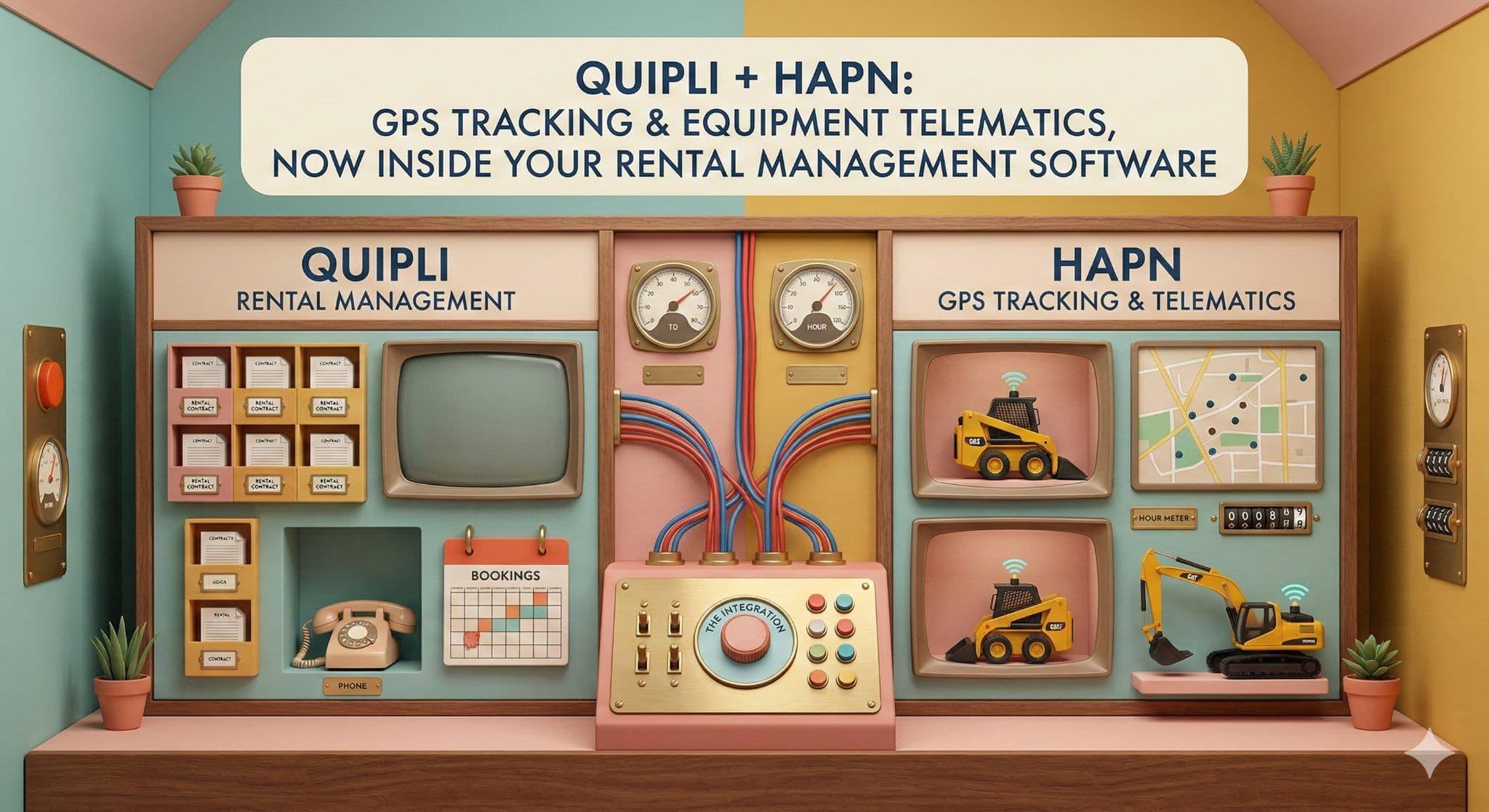
One more question to ask early: where do your shop work orders live today? If your rental management system already runs service and you are happy with it, the piece you are missing is probably live hour data, not a second work-order system. Hapn's Point of Rental and Quipli integrations bring engine hours into those systems for exactly that reason.
Maintenance that runs on real engine hours
Work orders and hour-based schedules included with tracking. Per-asset pricing, hardware included on 3-year terms.
How maintenance works in Hapn
Maintenance is a section of the Hapn web and mobile apps, included with tracking. It is built around work orders and recurring schedules:
- Recurring schedules repeat every set number of engine hours, miles or days, starting from the reading at the last service. One schedule can cover many assets: an "every 250 engine hours" rule on eight loaders generates work orders for all eight.
- One-time work orders can combine date, odometer and engine hours, and come due on whichever is reached first.
- Hours come from the tracker. Engine hours and odometer are reported by the device on the machine, so the schedule advances on its own while the unit is on rent. Assets also show fault codes in the same telematics panel where supported.
- Assign to a user or any email address, so an outside shop gets the work order without a Hapn login. Add work instructions and a reminder before the due point.
- Alerts and Issues. Approaching-past-due and past-due alerts notify the right people, and overdue work orders show in the Issues list until they are completed.
- An overview of the fleet's maintenance position: counts for overdue, due soon, awaiting parts, open, scheduled and completed in the last 30 days, with the cost logged against completed work and a list of the assets with the most open work.
- Cost and export. Cost is recorded when a work order is completed, and the work order and schedule lists export to CSV.
Setup is covered step by step in the help center article on scheduling maintenance by mileage or engine hours. Engine-hour schedules run on any Hapn tracker that reports engine hours, which includes the $13 equipment tracking tier and the $18 telematics tier. A battery tracker on a trailer reports location, not hours, so date-based schedules are the right tool there.
Stand-alone maintenance software vs maintenance built into tracking
Stand-alone preventive maintenance software is built for plants and facilities, where a technician walks the floor and logs readings. It does that well. For a rental fleet spread across job sites, its weak point is the input: someone still has to get hours off every machine and into the system, either by hand or through yet another integration, and the tool is a separate subscription on top of tracking.
When maintenance sits inside the tracking platform, the hours are already there. The schedule advances as the machine runs, and the cost is the tracking itself: $10 per asset per month for asset and vehicle tracking, $13 for equipment tracking with engine hours, and $18 for full equipment telematics with CAN bus data. Hardware is included at no upfront cost on a 3-year agreement; a 1-year agreement is also available with hardware purchased at cost. Current rates are on the pricing page.
Setting up hour-based PM in five steps
- Group the fleet by service pattern. Compact equipment, aerial lifts, generators, delivery trucks. Each group gets one set of schedules.
- Pull intervals from the manufacturer manuals, and tighten them where your own failure history says to.
- Set each unit's starting hours to its last service, not today's reading, so the first work order lands on the right hour.
- Decide who gets the work orders and the alerts. Shop lead for the work, dispatcher for the past-due alert, since overdue service on a rented unit usually means scheduling a swap or a field visit.
- Review the overdue and due-soon list weekly, alongside utilization by category. The machines that run the hardest are the ones that come due the fastest.
Generators are the clearest case for this, because their service runs entirely on runtime; see generator GPS tracking. And put the customer's side in writing: the maintenance clause in your equipment rental agreement should give you access to the unit at service intervals on long rentals. For the full rental platform, see Hapn for equipment rental.
About the author
TJ Chasteen is the product manager for Hapn's enterprise platform, including maintenance and its rental management software integrations. He works directly with rental operators and dealers on how tracking data should flow into service, contracts and billing. Hapn builds GPS tracking and telematics for equipment rental businesses, multi-yard dealers and equipment financing companies, and publishes per-asset pricing.
Frequently asked questions
What is equipment maintenance software?
Equipment maintenance software keeps a schedule of recurring service for each machine, generates work orders when service comes due, routes them to whoever does the work, and records what was done and what it cost. For powered equipment the most useful versions trigger preventive maintenance from engine hours, so service follows how much a machine runs rather than how many weeks have passed.
What is the difference between preventive maintenance software and a CMMS?
A CMMS (computerized maintenance management system) is the broad category: work orders, assets, parts and maintenance history, often built for plants and facilities. Preventive maintenance software is the part of it that schedules recurring service before failures happen. For a mobile equipment fleet, what matters most is whether the preventive schedule can run on engine hours reported automatically by the machine.
How do you schedule maintenance by engine hours?
Set an interval in hours, such as every 250 engine hours, and a starting point equal to the hour reading at the last service. The software then creates a work order each time the machine's reported hours reach the next interval. This only works if engine hours reach the software automatically from a tracker or telematics device; manual readings fall behind quickly on rented equipment.
Does Hapn include maintenance software?
Yes. Maintenance is part of the Hapn web and mobile apps: work orders, recurring schedules by engine hours, miles or date, assignment to staff or an outside shop by email, reminders, past-due alerts and a fleet overview with cost logged against completed work. Engine-hour schedules run on the $13 equipment tracking tier and the $18 telematics tier, both of which report engine hours.
Should a rental company use its rental software or a separate tool for maintenance?
If your rental management system already runs shop work orders well, keep them there and feed it live engine hours from your tracking platform, which Hapn does for Point of Rental and Quipli. If you do not have a working maintenance process, maintenance built into your tracking platform is the fastest route, because the hours are already in the system and there is no second subscription.
Stop servicing rental equipment by guesswork
Hour-based schedules, work orders and past-due alerts, included with Hapn tracking.
Last Updated: October 6, 2026
Explore Hapn on a live equipment fleet
Click around the real platform — a live mixed fleet with dummy data. No sales call, takes a few minutes.

Get the latest news straight to your inbox.
Share Article
