← BlogProduct Releases
Product Update — November 2026: History on the Map, Smarter Alerts & Easier Troubleshooting
TJ Chasteen
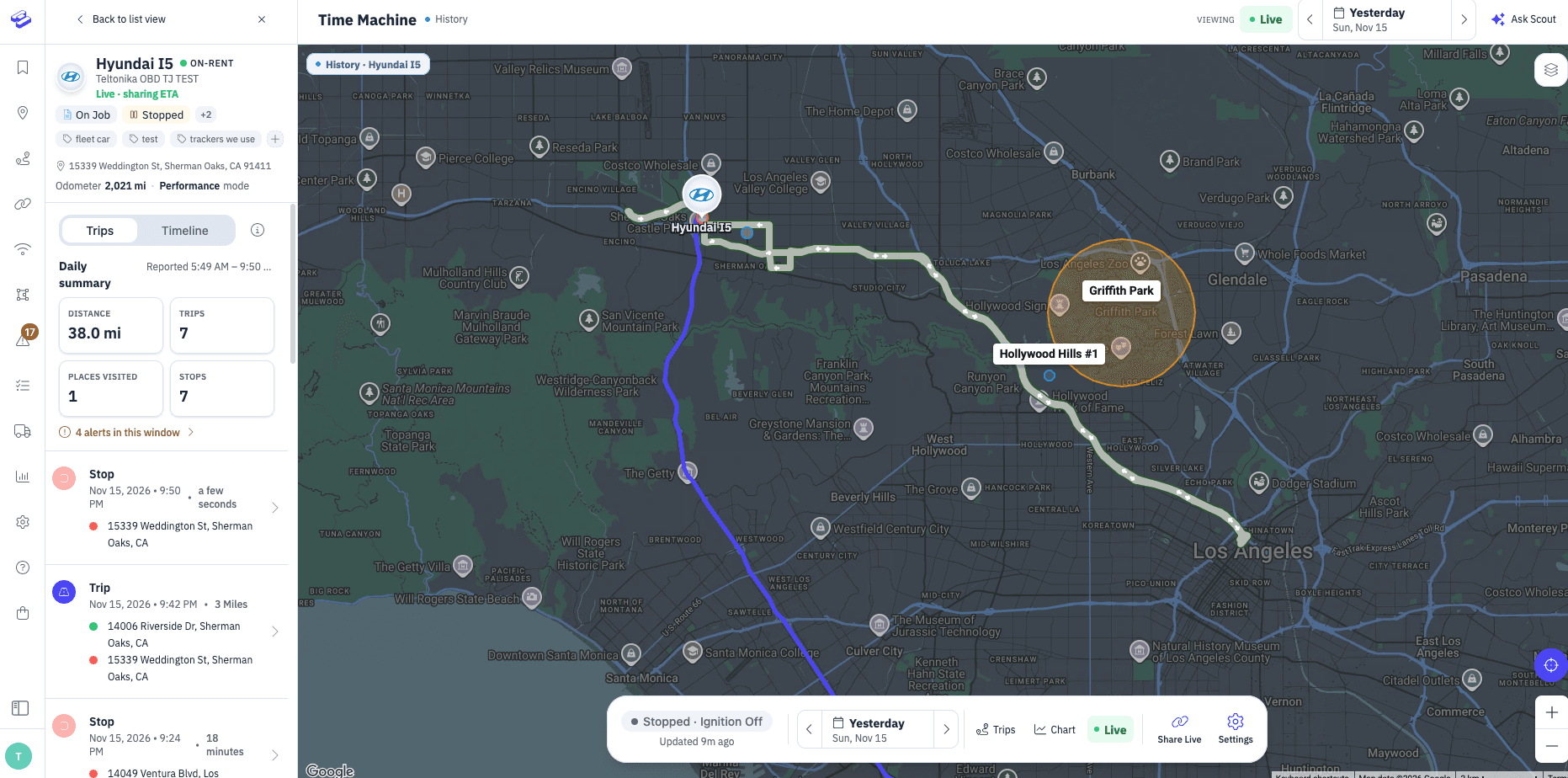
We have been busy! This round of updates is all about helping you find answers faster — where a vehicle or asset has been, why a tracker went quiet, and how to get alerts that fit the way you work. Here is what is new in Hapn.
Time Machine, now on the Live Map
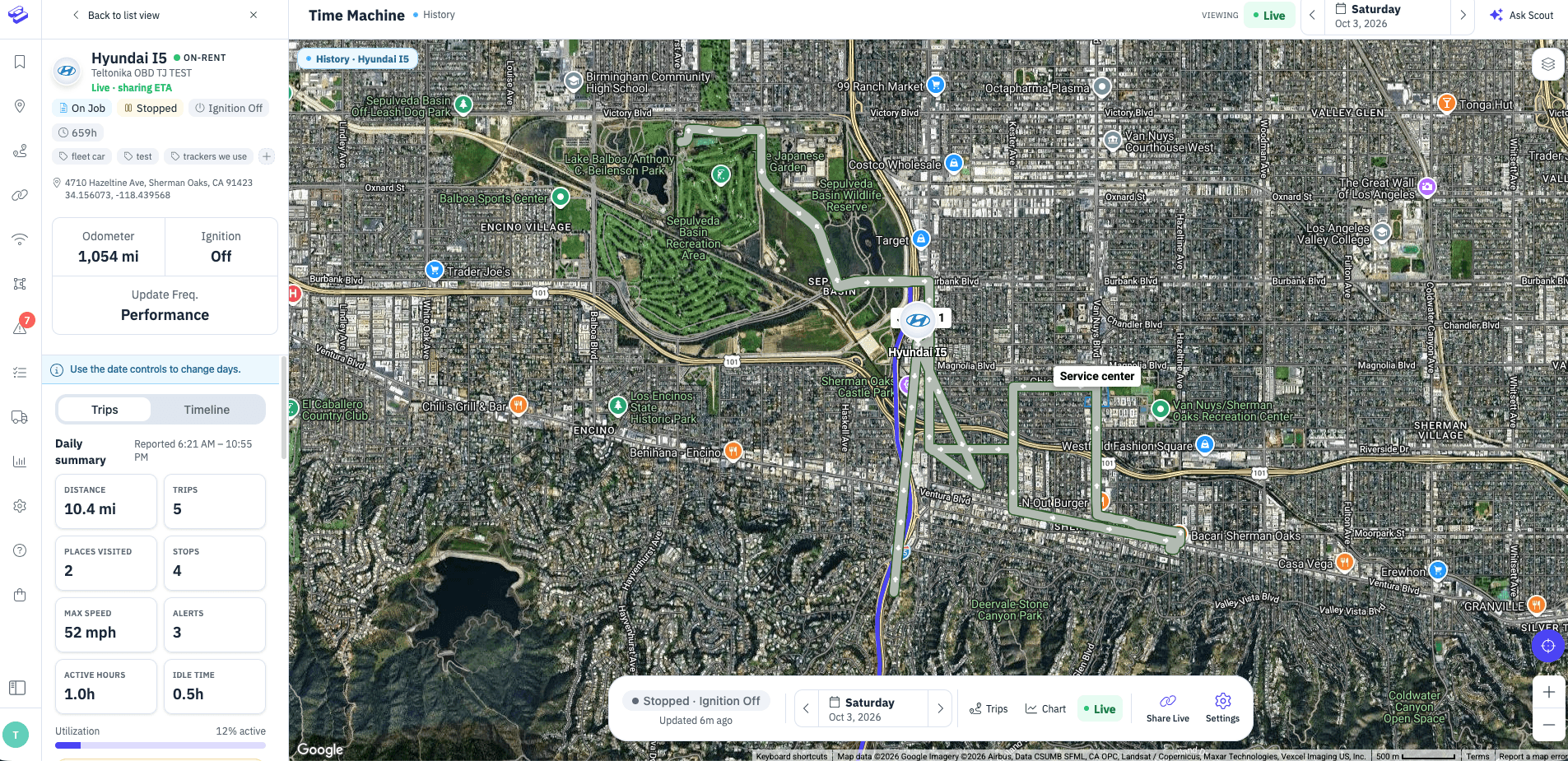
Your history now lives right where you already look at your fleet. The standalone Time Machine page has been retired, and you can review where a tracker has been directly on the Live Map. The old Rewind button has been removed from the map toolbar since history is now built in, and the ignition chip now reads more cleanly.
Trackers that don’t generate trips — like asset trackers and other non-vehicle devices — used to show an empty timeline. They now show their history as pings, so you always have something to look at. On the web, there is also a new Locations page under Trips for trackers that don’t record trips, such as battery trackers on slower check-in settings, so they get a proper history too.
Device troubleshooting
When a tracker stops reporting, you no longer have to guess why. Open the asset card and start the new guided flow, which walks you through the most common causes and helps you get back on track. It is available on the web and in the Hapn app.
Smarter, simpler alerts
Building and tuning alerts is easier. In the alert wizard you can now set a daily notification limit so a busy tracker doesn’t flood your inbox, pick trackers more easily, and edit an existing rule by jumping between steps and saving from any of them.
A redesigned Dash Cam footage request page
Requesting Dash Cam footage on the web now uses a redesigned request page that replaces the old timeline, making it quicker to ask for exactly the clip you need.
Maintenance countdowns that explain themselves
If a maintenance countdown looks frozen, it may be because the meter it relies on has stopped reporting. Countdowns now tell you when they are resting on a meter that isn’t moving, so you know where to look.
Custom Spotlight durations
Spotlight now lets you type a custom duration from 1 to 48 hours, on the web and in the Hapn app, instead of being limited to preset choices.
Referrals, made clearer
The referral store link no longer carries a discount code, and both reward tiers are now shown up front so it is clear what you and your friends will earn.
Fixes and polish
- The map marker in Follow mode now takes on your tracker’s colour.
- Live Links: the list in the Hapn app now loads properly, and links older than the 48-hour window can be edited again.
- Idling Time reports can be scheduled again.
Want a walkthrough of anything here, or have an idea for what we should build next? We would love to hear from you — get in touch.
Explore Hapn on a live equipment fleet
Click around the real platform — a live mixed fleet with dummy data. No sales call, takes a few minutes.
Volume discounts • No 3-year contracts • Quote in ~24 hours
Related Articles

Get the latest news straight to your inbox.
Share Article
