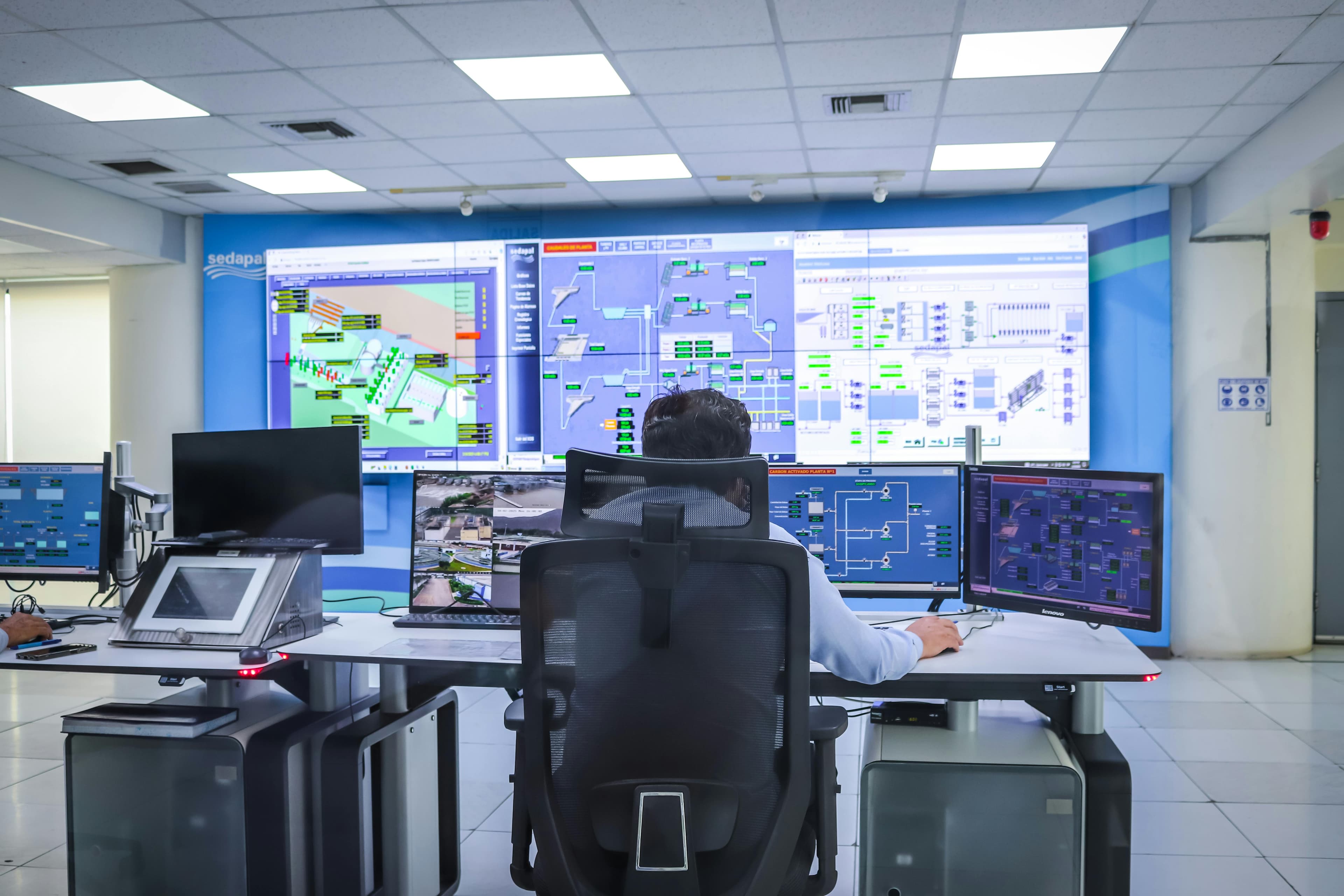
Meet Your New Home Screen for Fleet Control
When you run an equipment rental operation, your day starts with the same questions: Where are my assets? Is anything broken? Are they being used efficiently?
Until now, answering those meant clicking through multiple pages — issues in one place, alerts in another, reports somewhere else — and piecing the picture together yourself. Hapn’s new Equipment Rental Dashboard changes that. It’s a purpose-built home screen that gives you a complete fleet overview the moment you log in. No more digging. No more tab-hopping. Just the answers you need, in seconds.
What’s on the Dashboard
The dashboard is organized around how rental teams actually work — starting with what’s urgent and flowing into daily operations.
Needs Attention
The first thing you see is a prioritized list of active issues across your fleet: tamper alerts, geofence exits, devices offline, low voltage warnings, and overdue maintenance. Issues are sorted by severity so you can act on what matters first. One click takes you straight into the full issue detail.
Live Map Preview
A compact, interactive map shows where your assets are clustered right now. Asset groups are displayed as numbered clusters so you can see concentration at a glance. Click anywhere on the map to jump into the full live map with filtering, search, and asset-level detail.
Engine Runtime Leaderboards
See your top 5 most-utilized and least-utilized assets for today and this week. Engine runtime is the clearest signal of whether equipment is earning its keep or sitting idle. The weekly view breaks down by day so you can spot trends — an excavator that ran 15 hours Monday but 0 hours Wednesday tells a story worth investigating.
Trip History
Today’s completed trips at a glance — which asset moved, where it went, how far, and how long. Click any trip to replay it in Time Machine with full route detail. This is invaluable for verifying deliveries, confirming pickups, and resolving billing questions.
Places Overview
See which yards and job sites have the most equipment, which are sitting empty, and which assets aren’t in any defined place at all. For yard managers, this is the fastest way to understand capacity and locate missing equipment without making phone calls.
Built for How Rental Teams Work
Every element on the dashboard links directly to a deeper view. Click an issue to investigate it. Click an asset to follow it live. Click a trip to replay it. You’re never more than one click from action.
The dashboard is designed for the people who live in the operation every day:
- Fleet managers get a fast read on what’s working and what’s not
- Dispatchers see what’s available and where
- Branch managers monitor utilization and customer commitments
- Operations leads share fleet status with stakeholders without building reports
Speaking of sharing — a new Share button lets you export the dashboard as a PDF, CSV, or email it directly to stakeholders who don’t have Hapn access.
From Login to Decision in Seconds
The Equipment Rental Dashboard replaces the default live map as your landing page when you log into Hapn. Your live map, issues page, alerts, and all other tools are exactly where they’ve always been — the dashboard simply gives you a faster, smarter starting point.
Because it’s powered by Hapn’s tracking and telematics data, the dashboard stays current automatically. No manual exports, no spreadsheet gymnastics. Just open Hapn and you’re looking at the state of your fleet right now.
Get Started
The Equipment Rental Dashboard is rolling out to Hapn accounts now. If you’re already a Hapn customer, log in and you’ll see it as your new home screen. Want a walkthrough for your team? Reach out to your account manager or contact our support team.
If you’re not yet using Hapn and want a clearer, faster way to manage your rental fleet, we’d love to show you how it works.
Your fleet generates the data. The Equipment Rental Dashboard turns it into decisions — right from the moment you log in.
Explore Hapn on a live equipment fleet
Click around the real platform — a live mixed fleet with dummy data. No sales call, takes a few minutes.
Volume discounts • No 3-year contracts • Quote in ~24 hours
Get the latest news straight to your inbox.
Share Article
