← BlogProduct Releases
Posted Speed Now Live on all Vehicle Tracker Models: Real-World Context at a Glance
TJ Chasteen
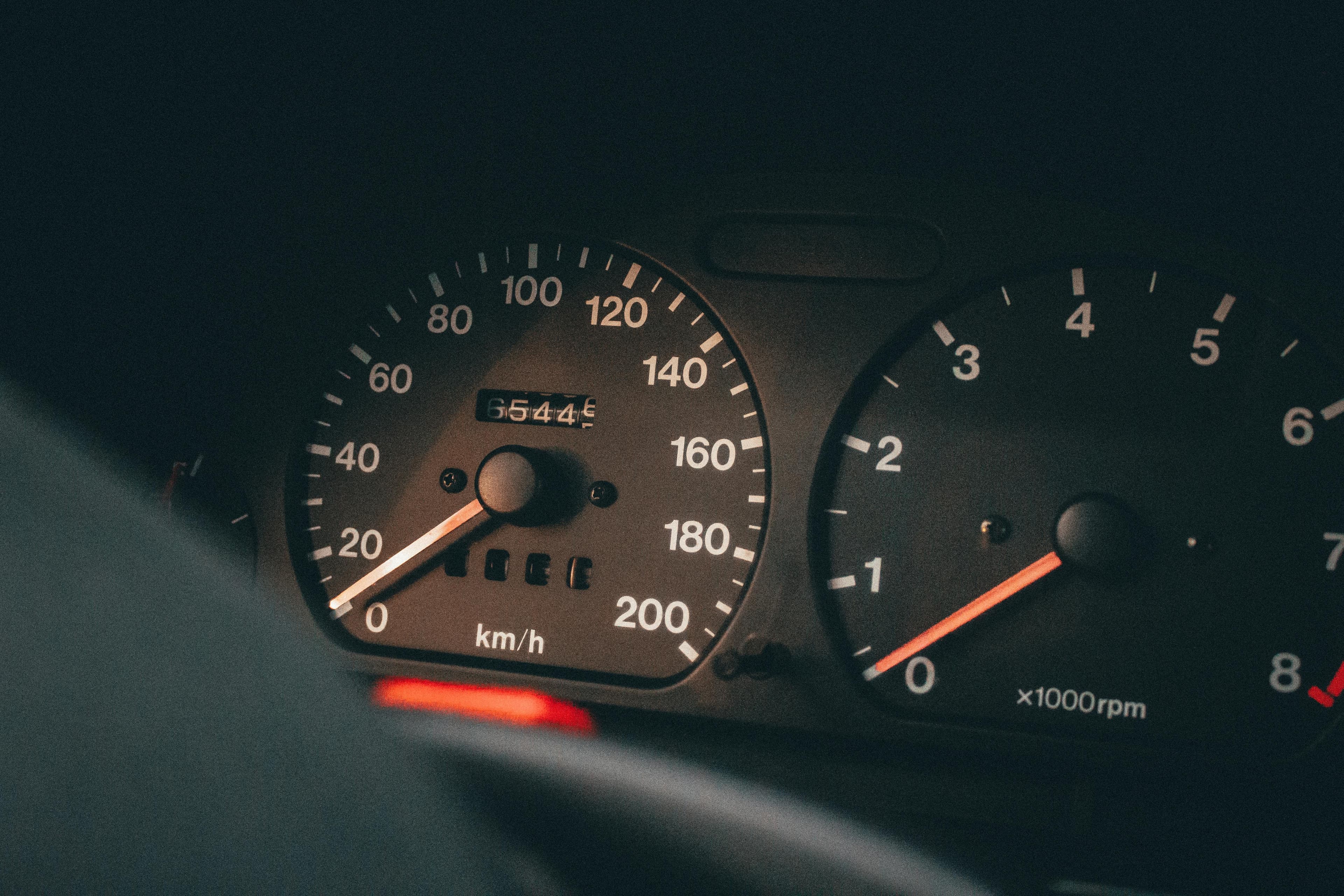
We’re excited to share that posted speed visualization is now available for hardwired and Motorcycle trackers on Hapn. It’s a feature our OBD tracker users have relied on for a while, and today it’s live across two more of our most popular tracker types — giving fleet managers, families, and individual riders the same real-world context no matter which Hapn device they’re using.
What’s Changed
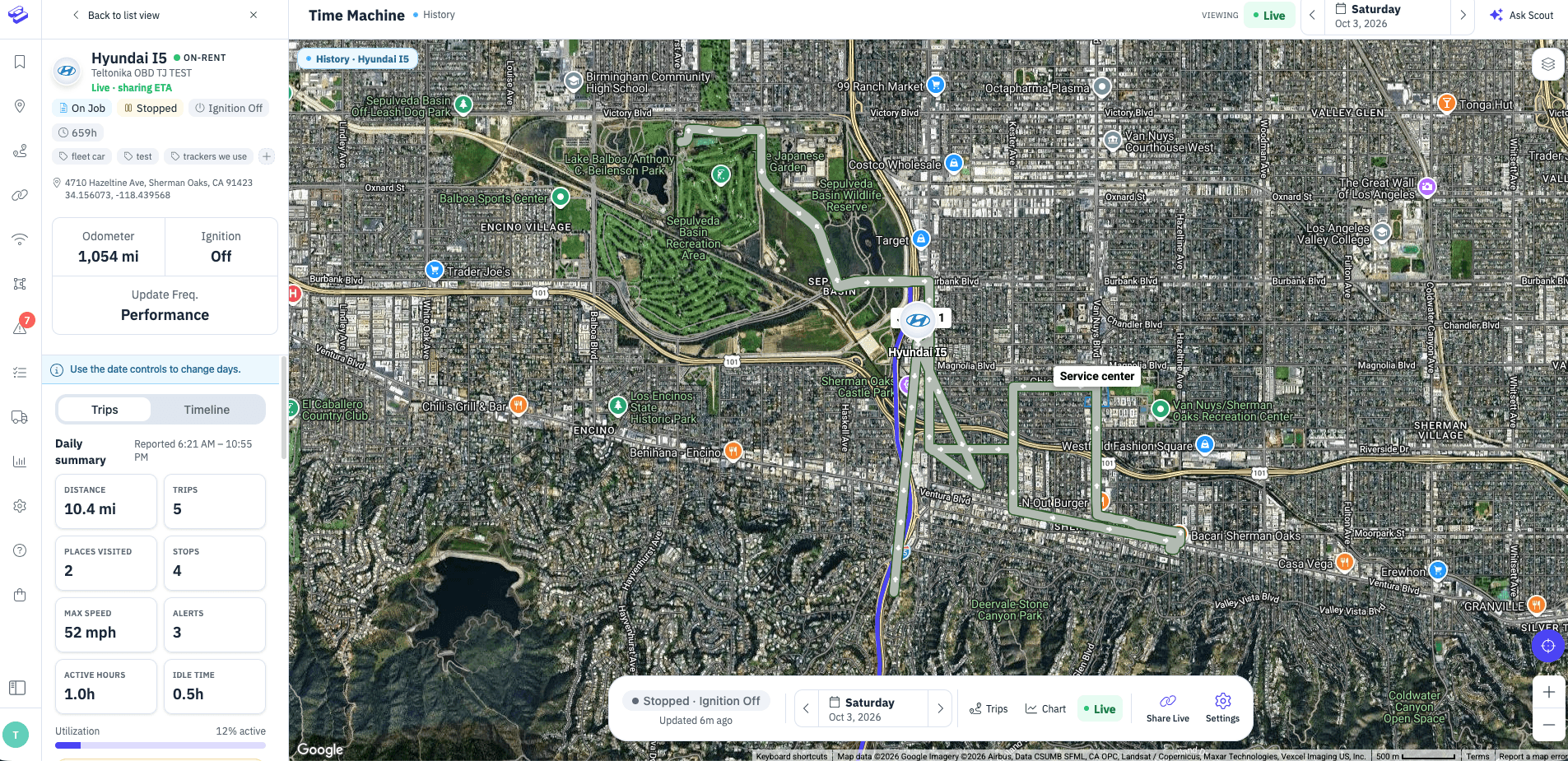
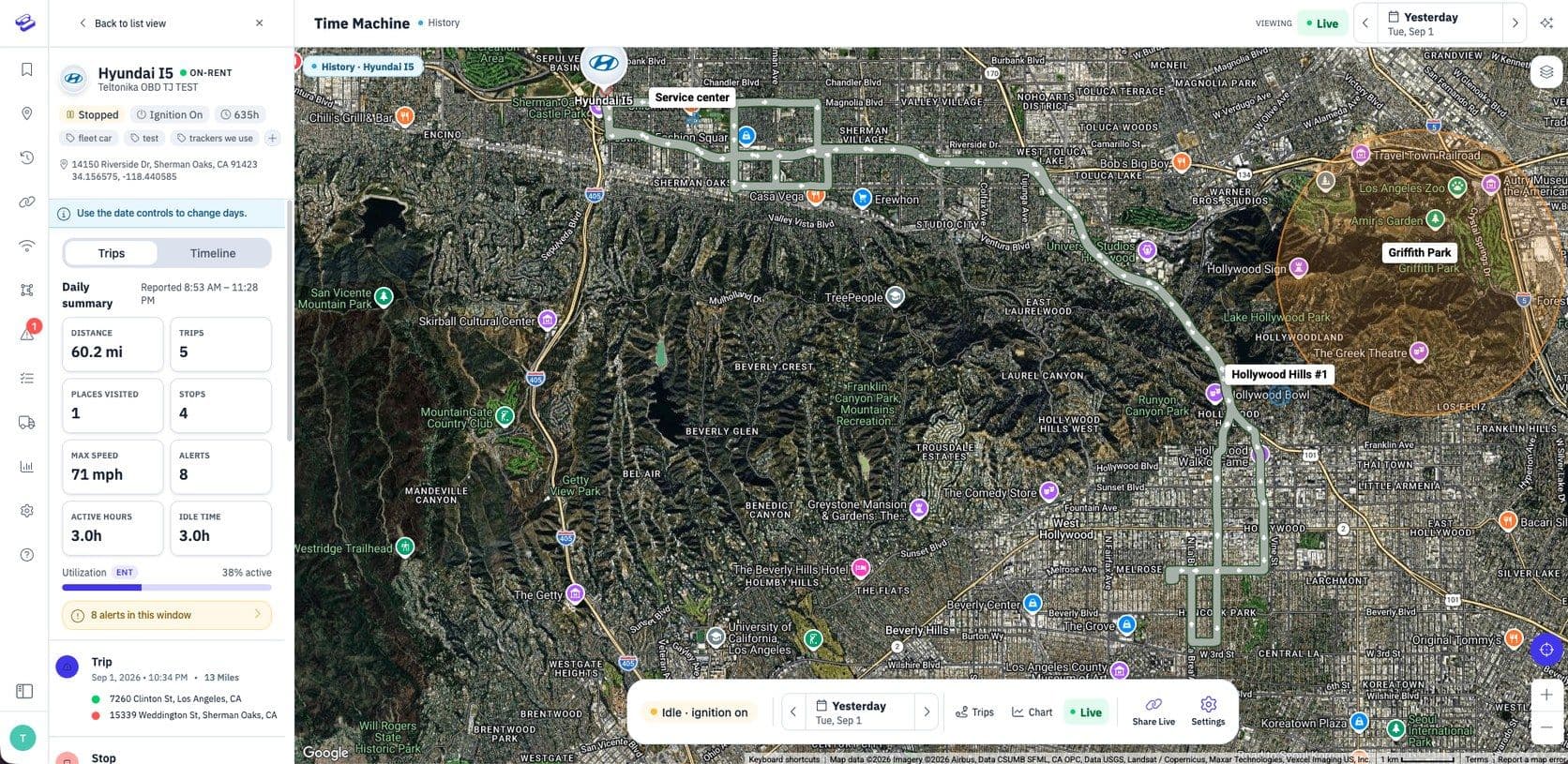
When you open the Hapn app or dashboard and pull up a hardwired or Motorcycle tracker on the main map, you now see two pieces of information side by side: the posted speed limit for the road the tracker is currently on, and the actual speed of the vehicle. That pairing makes it easy to see, at a glance, whether a vehicle is moving with traffic or pushing past what the law allows. Instead of checking a static threshold you set weeks ago, you’re looking at behavior against the real rules of the road — right now, right where the vehicle is.
Why It Matters
A static speed threshold like “alert me over 70 mph” is fine for highways, but it doesn’t help much on a 25 mph residential street. Posted speed context turns every glance at the map and every coaching conversation into something anchored in actual driving rules.
For fleet managers, that means a fairer, more objective way to measure driver behavior. Posted speed is the same standard drivers are held to by law enforcement and insurance companies, so aligning your internal safety program with it creates a cleaner, more defensible baseline for driver coaching, compliance reporting, and conversations about risk.
For families and individual users, it’s peace of mind without the guesswork. Whether you’re watching a new driver head to school, tracking a motorcycle on a weekend ride, or keeping tabs on a vehicle you loaned out, you can see instantly whether they’re staying within the limit — no mental math, no second-guessing the road you’re looking at.
How to See It
There’s nothing to configure. If you have a Hardwired or Motorcycle tracker on your account, open the Hapn app or log into the dashboard, tap the tracker on the main map, and you’ll see the posted speed right there on the tracker card alongside the current speed.
The Hapn Difference
This update is part of a broader effort at Hapn to give users real-world, data-backed context throughout the app — not just more numbers, but the right numbers in the right place. Posted speed pairs naturally with our posted-speed alerts and speeding reports, which use that same live speed-limit data to flag meaningful events and surface patterns over time.
Try It Today
Open your Hapn app, pick a Hardwired or Motorcycle tracker, and take a look. If you have feedback or want to learn more about the posted-speed tools in Hapn, we’d love to hear from you — reach out any time.
See what tracking your fleet costs
Tell us what you're tracking and how many assets. We'll build a custom quote with volume pricing — usually within 24 hours. No contracts.
Get Your Custom Quote →Volume discounts • No 3-year contracts • Quote in ~24 hours

Get the latest news straight to your inbox.
Share Article
