If you manage a mixed fleet, you know the morning routine: log into the Cat portal to check the dozers, switch to MyJohnDeere for the tractors, open Ford Pro for the trucks, and then check a spreadsheet for the trailers. By the time you've aggregated the data, it's already lunch.
This is the "portal hopping" problem, and it sits at the center of the debate between OEM telematics and aftermarket GPS trackers.
What is OEM Telematics?
OEM telematics are factory-installed tracking and diagnostic systems built directly into equipment by the original manufacturer during production, such as Cat Product Link, John Deere JDLink, or Komatsu KOMTRAX, providing deep engine data specific to that equipment brand.
For construction and equipment rental companies, the choice isn't just about hardware; it's about data ownership and visibility. Should you rely on the factory-installed tech that came with your new excavator, or install third-party devices to get everything on one screen? Here is an honest look at the pros and cons of both, and how you can likely use them together.
Quick Verdict
OEM Telematics is best for deep engine diagnostics on new, under-warranty machines. Aftermarket GPS is best for security, mixed fleets, and older assets.
The Smart Move: Don't choose. Use a platform that unifies both.
About Hapn
Hapn is a full-stack GPS fleet and asset tracking platform for midmarket and enterprise companies, providing equipment telematics, vehicle tracking, AI dash cameras, and battery-powered asset monitoring on a single dashboard — with transparent pricing and no long-term contracts.
Option 1: OEM Telematics (Factory-Installed)
Original Equipment Manufacturer (OEM) telematics are the systems built into your equipment on the assembly line—think Cat VisionLink, JDLink, or Komtrax. Since 2020, almost every piece of heavy iron rolls off the lot with a modem inside.
The Pros
- Zero Installation Downtime: The hardware is already there. You don't need to ground a machine for two hours to wire in a device. You simply activate the subscription.
- Deep Engine Data: Because the manufacturer built the sensor network, OEM systems often provide the richest diagnostic data, including specific fault codes, fuel burn rates to the decimal, and AdBlue levels.
- Warranty Safe: There is zero risk of voiding a warranty with a factory-installed modem.
The Cons
- Data Silos (The Portal Trap): OEM data usually lives in the OEM's specific cloud. If you run a mixed fleet—say, Kubota excavators and Ford F-150s—you are stuck managing multiple logins and disconnected reports.
- Renewal Costs: Many buyers forget that OEM telematics is often free for only the first year or three. After that, renewal costs can be surprisingly high per asset.
- Limited Theft Recovery: While good for utilization data, many OEM systems are not optimized for theft recovery. They may lack the high-frequency ping rates or hidden installation locations required to recover a stolen skid steer.
Option 2: Aftermarket GPS (Third-Party)
Aftermarket solutions involve purchasing GPS hardware from a provider like Hapn and installing it on your assets. This is the "universal remote" approach to fleet management.
The Pros
- Single Pane of Glass: Aftermarket trackers work on anything—a 2025 Dozer, a 2010 pickup, or a generator with no engine at all. You get one dashboard for your entire operation.
- Standardized Data: Instead of trying to compare Cat's "idle time" definition with Deere's, aftermarket devices give you a single, consistent standard for utilization across all brands.
- Better Security: Aftermarket devices are often smaller, easier to hide, and come with battery backups. If a thief disconnects the battery on a loader, an aftermarket tracker keeps pinging; an OEM modem might go dark.
- Rental-Ready features: Platforms built for equipment rental operations often include specific workflows like "off-rent" statuses and billing integrations that OEM portals lack. For deeper insights into rental operations, see how fleet tracking ROI can justify your investment. Additionally, understanding how to prevent employee misuse of company vehicles helps protect your rental and fleet assets.
The Cons
- Installation Required: You need to physically install the device. While modern 2-wire installations are fast (15 minutes), it still requires touching the asset.
- Hardware Cost: You have to buy the device upfront, though this is often offset by lower monthly software fees compared to OEM renewals.
Comparison: OEM vs. Aftermarket
| Feature | OEM Telematics | Aftermarket GPS |
|---|---|---|
| Installation | None (Pre-installed) | Required (Plug-in or Wired) |
| Data Depth | High (Engine/Hydraulics) | Medium (Location, Hours, Motion) |
| Mixed Fleet Visibility | Poor (Siloed) | Excellent (Unified) |
| Theft Recovery | Basic | Advanced (Backup battery, Hidden) |
| Refresh Rate | Varies (often slow) | Fast (Real-time options) |
The Third Option: The Hybrid "Unified" Approach
Here is the reality for most modern fleets: You do not have to choose.
The industry is moving toward data unification. Thanks to standards like AEMP (ISO 15143-3), it is now possible to pipe the data from your OEM factory modems directly into a third-party platform like Hapn.
This gives you the best of both worlds:
- For your brand new heavy equipment: Use the factory modem. Connect the API to Hapn so the data appears alongside everything else without installing new hardware.
- For your older equipment, trailers, and light duty trucks: Install aftermarket GPS trackers.
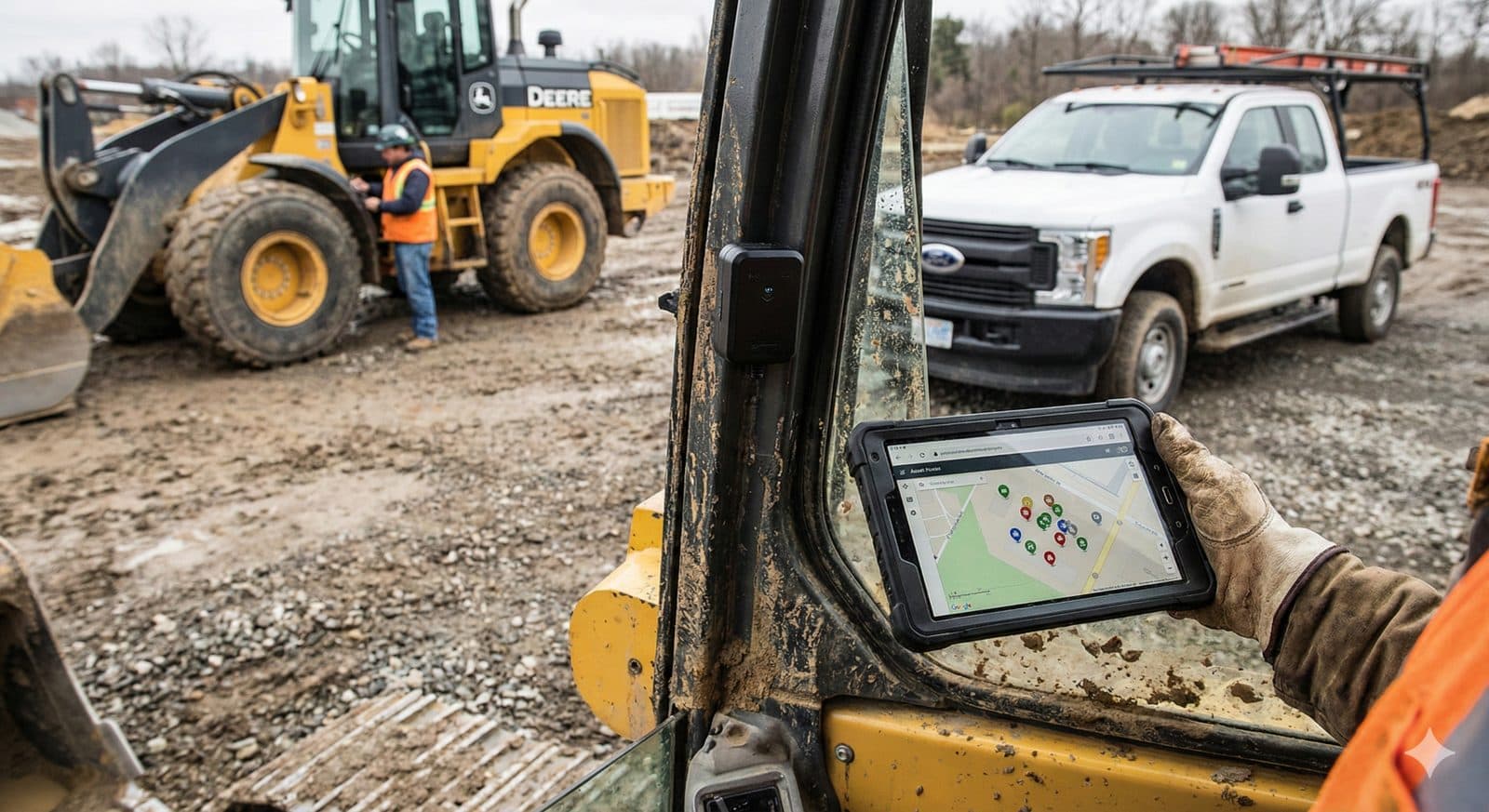
- For the fleet manager: You log into one platform. You see the Cat dozer (via API) next to the Ford truck (via tracker) on the same map.
We covered exactly how this works in our recent guide on AEMP and unified fleet data.
Strategic Recommendation
If you run a construction or rental business, your goal is TCO (Total Cost of Ownership) visibility. You cannot manage TCO if your data is scattered. For more on minimizing TCO, see our guide to calculating total cost of ownership for rental equipment.
We recommend a Data-First Strategy:
- Audit your fleet: Identify which assets are "Smart" (have OEM modems) and which are "Dumb" (no connectivity). For further understanding, explore the 3 main insights from real-time GPS tracking.
- Centralize: Choose a platform that can ingest both data streams. Understanding how GPS tracking benefits rental companies will help you select the right platform.
- Standardize: Ensure your "utilization" reports treat a ping from a John Deere the same as a ping from an aftermarket tracker. This is critical for accurate billing and maintenance scheduling.
- Gap Fill: Use aftermarket trackers specifically for high-risk assets (for theft recovery) or non-powered assets like trailers and dumpsters.
By unifying your data, you move from "checking where things are" to actually optimizing how they are used.
Stop Guessing. Start Tracking.
See how Hapn gives you complete visibility across your mixed fleet—vehicles, equipment, and assets in one platform.
FAQ: OEM vs Aftermarket Telematics
What is the main difference between OEM and aftermarket telematics?
OEM telematics are factory-installed by the manufacturer (like CAT or John Deere) and provide deep engine data but are often limited to that specific brand. Aftermarket telematics are third-party devices you install yourself that work on any vehicle or asset, allowing for a unified view of a mixed fleet.
Can I view OEM data and aftermarket tracker data in the same dashboard?
Yes, if you use a platform that supports AEMP (ISO 15143-3) integration. This allows you to pull data from factory-installed modems into a unified platform like Hapn, so you can see your OEM-connected assets alongside those with aftermarket trackers on a single map.
Does installing aftermarket GPS void my equipment warranty?
Generally, no. Most modern aftermarket GPS trackers use non-invasive 2-wire hookups or plug into diagnostic ports (OBDII/J1939) that are designed for accessories. However, it is always best to check with your specific dealer if you are splicing wires on very new, complex machinery.
Is OEM telematics free?
Usually, it is free for a trial period (typically 1 to 3 years) after purchasing a new machine. Once that period ends, you must pay a subscription fee to the manufacturer to keep accessing the data, which can sometimes be more expensive than aftermarket options.