Now Live: OBD II Telematics Alerts in Hapn
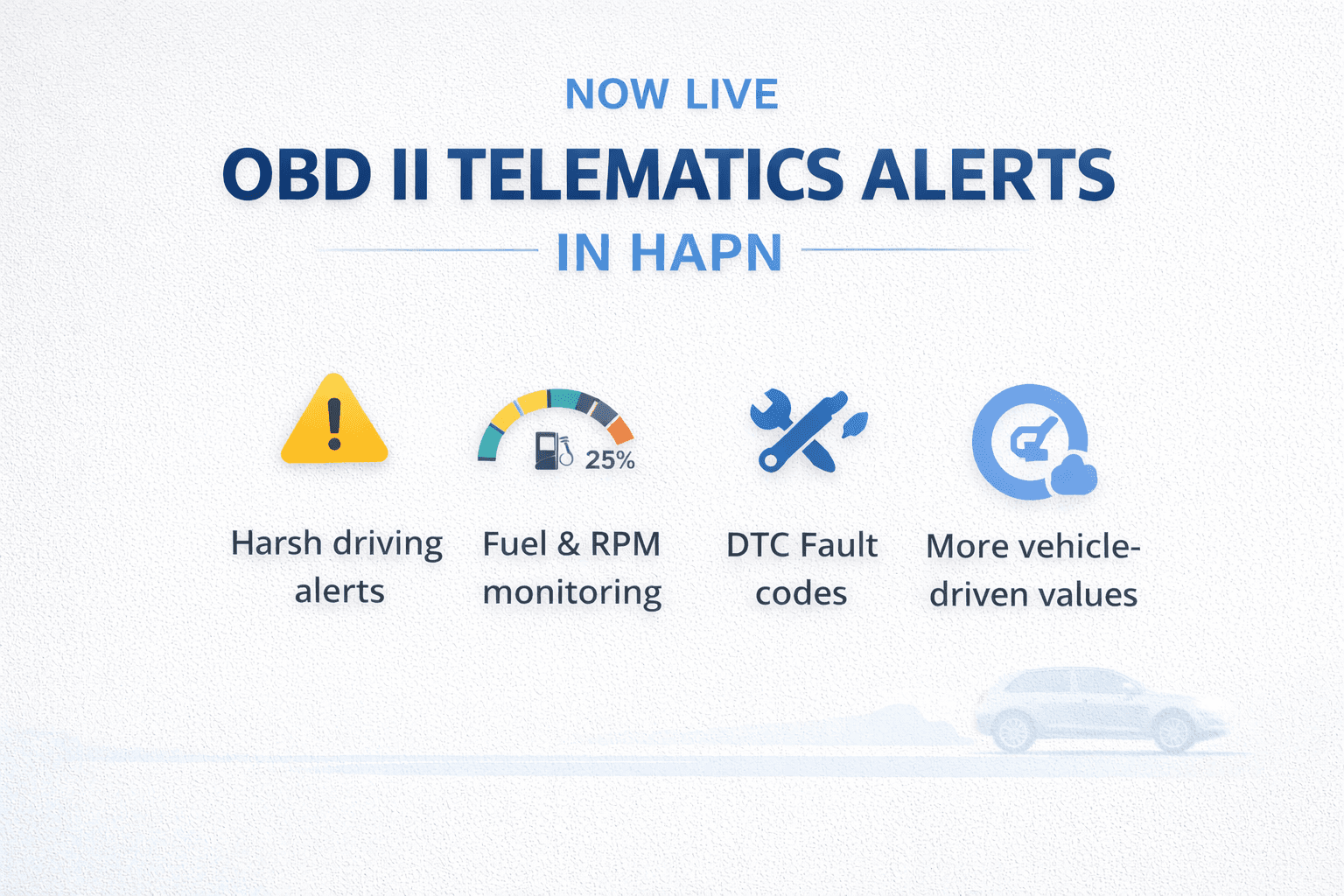
Today we're releasing Telematics Alerts for OBD II trackers in Hapn. These alerts help you stay informed on driving behavior and key vehicle signals so you can respond faster and reduce downtime.
About Hapn
Hapn is a full-stack GPS vehicle tracking and asset tracking platform for midmarket and enterprise companies, providing equipment telematics, equipment tracking, AI dash cameras, and battery-powered asset monitoring on a single dashboard — with transparent pricing and no long-term contracts.
What's included in this release
You can now configure telematics alerts for supported OBD II trackers to monitor driving behavior, utilization, and vehicle health indicators. Availability may vary by vehicle and device compatibility.
New alerts available
- Harsh Acceleration
- Harsh Braking
- Harsh Turning
- Idling
- Check Engine Light
- Fuel Level (%)
- Engine RPM
- Engine Work Time
- Engine Temperature
- DTC Fault Code
- Oil Level
Why this matters
Catch issues earlier
Get notified when vehicle health indicators change before small issues turn into expensive repairs.
Improve accountability
Use harsh driving and idling alerts to support safer habits and reduce unnecessary wear on vehicles.
Reduce downtime
Stay on top of check engine events and fault codes so maintenance can be scheduled sooner and surprises are minimized.
Operate with confidence
Put the right information in front of the right people without needing to constantly monitor dashboards.
How to enable telematics alerts
- Log in to Hapn
- Open the tracker / asset you want to monitor
- Go to Alerts and enable the telematics alerts you need
- Set thresholds where applicable (for example, idling duration or harsh driving sensitivity)
Get started: Log in to Hapn
Best-practice starting points
If you're enabling alerts for the first time, start with a small set of high-impact alerts, confirm recipients, then tune thresholds after you see real-world signal and notification volume.
- Safety / behavior: Harsh Acceleration, Harsh Braking, Harsh Turning
- Utilization: Idling, Engine Work Time
- Vehicle health: Check Engine Light, Engine Temperature, DTC Fault Code
- Fuel / fluids: Fuel Level (%), Oil Level
Notes on availability
Some metrics may vary by vehicle make/model and data availability from the OBD II interface. If you have questions about your device compatibility or recommended defaults, contact your Hapn team.
Frequently Asked Questions
What are OBD-II telematics alerts?
OBD-II telematics alerts are real-time notifications triggered by your vehicle's onboard diagnostics port. They monitor engine fault codes (DTCs), battery voltage, coolant temperature, and other critical parameters — sending instant alerts to your fleet tracking platform dashboard when values fall outside safe ranges.
Which vehicles support OBD-II telematics alerts?
Most light- and medium-duty vehicles manufactured after 1996 have OBD-II ports. Heavy-duty vehicles (2010+) use J1939/J1708 protocols. Hapn's telematics devices support both OBD-II and heavy-duty protocols on a single platform.
How quickly do telematics alerts notify fleet managers?
Hapn delivers telematics alerts in near real-time — typically within 30-60 seconds of an event trigger. Critical alerts like engine fault codes and battery voltage drops are prioritized for immediate delivery via dashboard, email, or SMS.
Can I customize which telematics alerts I receive?
Yes. Hapn lets you configure alert thresholds, notification channels, and escalation rules per vehicle or fleet-wide. Set custom triggers for engine hours, idle time, geofence violations, speed, and diagnostic trouble codes.
Ready to see OBD-II telematics alerts in action?
Hapn offers transparent pricing with no long-term contracts.
Get Pricing →Related reading: Learn more about engine hour-based maintenance, explore the differences between OEM vs aftermarket GPS, and discover OEM telematics integration strategies.